DiskFrend · Cleanup
Review first. Trash second.
Cleanup is the staging lane. Items from Overview, Space, Find, and Apps land here so you can unstage anything before moving to Trash — never permanent delete.
$9 once · Cleanup comes with every other room
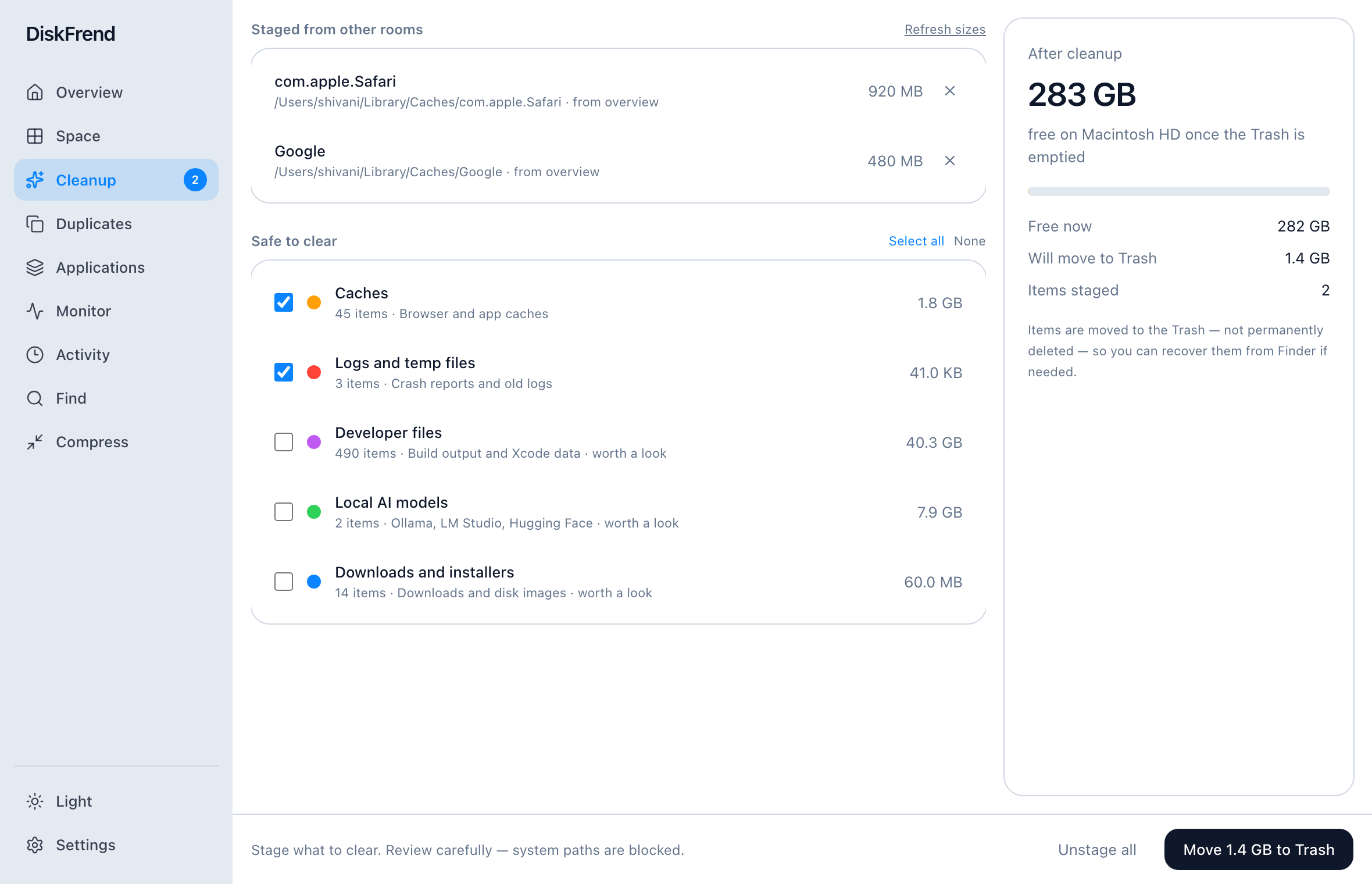
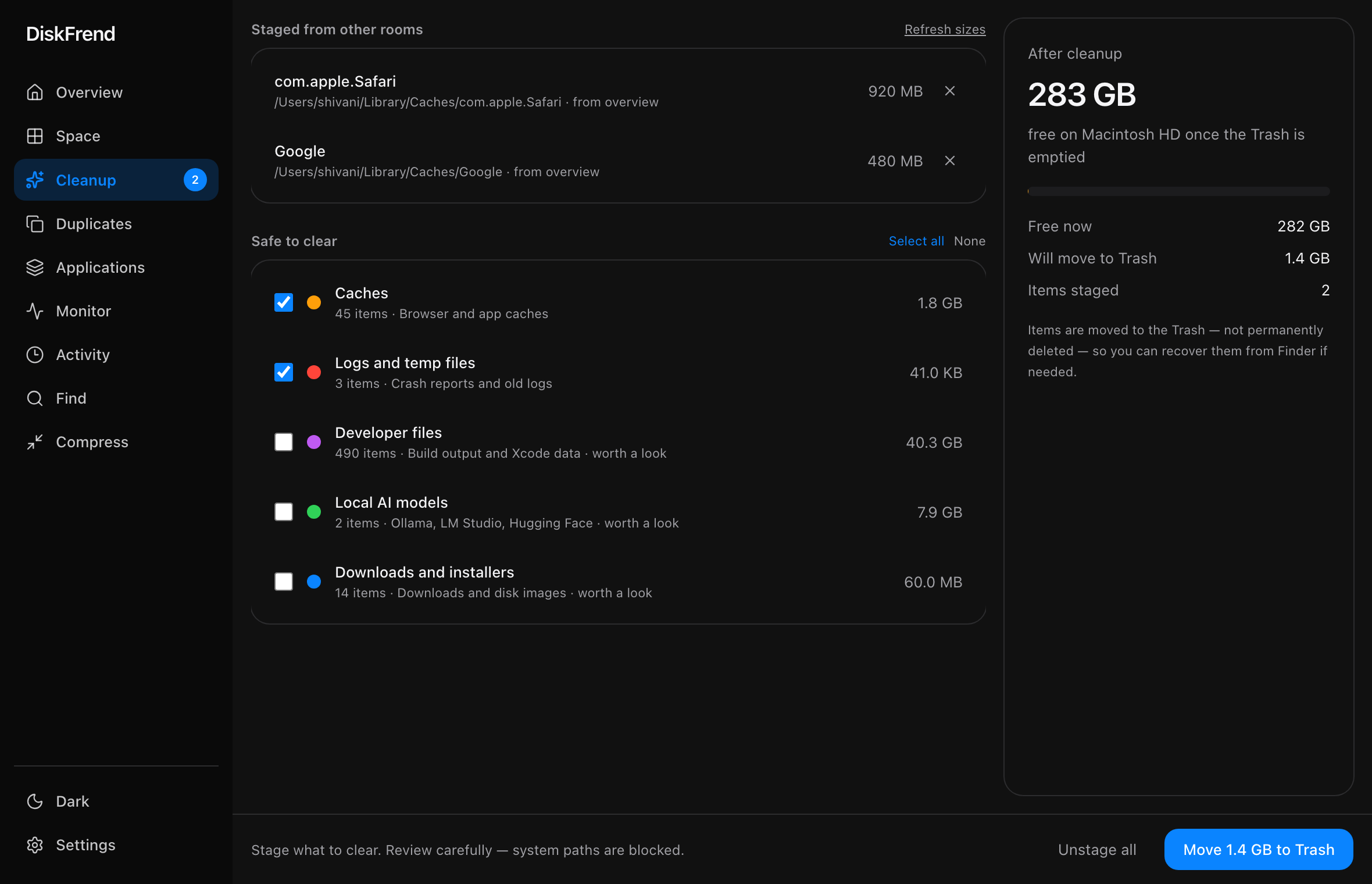
Staged from every room.
Safe clears, checked category rows, duplicates, and app leftovers all meet in one place — with sizes you can still remove.
See the free space after.
The After cleanup panel shows how much you’ll free once Trash is emptied, so the win is clear before you confirm.
Restore when you slip.
Successful cleanups can be put back from Cleanup or Activity — DiskFrend remembers original paths.
Questions about Cleanup
Is anything permanently deleted? +
No. Cleanup moves to the macOS Trash. Emptying Trash is still your choice in Finder.
One of nine rooms.
Every room comes with every copy of DiskFrend.
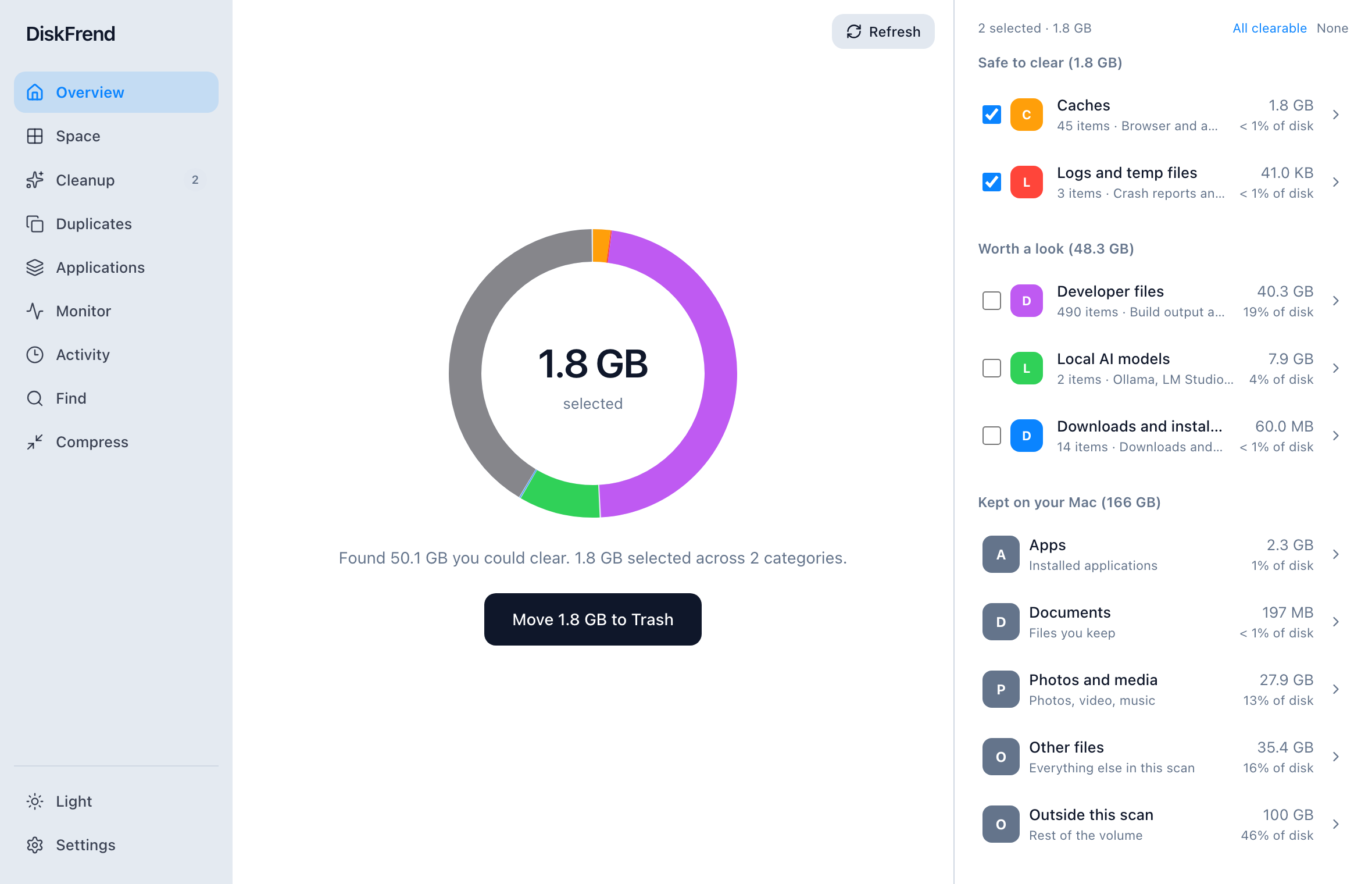
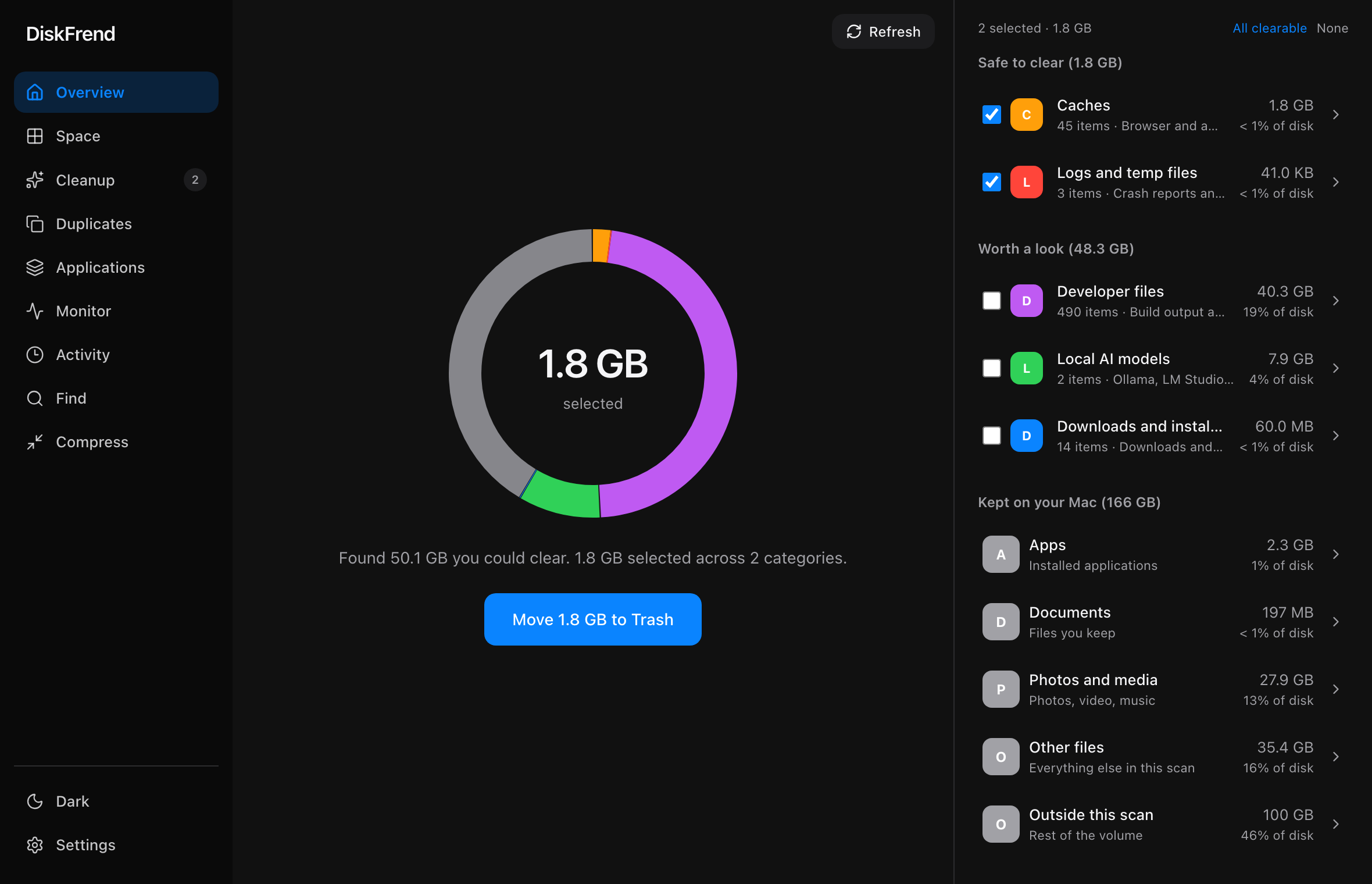
Overview
One scan, and the whole drive on one screen.
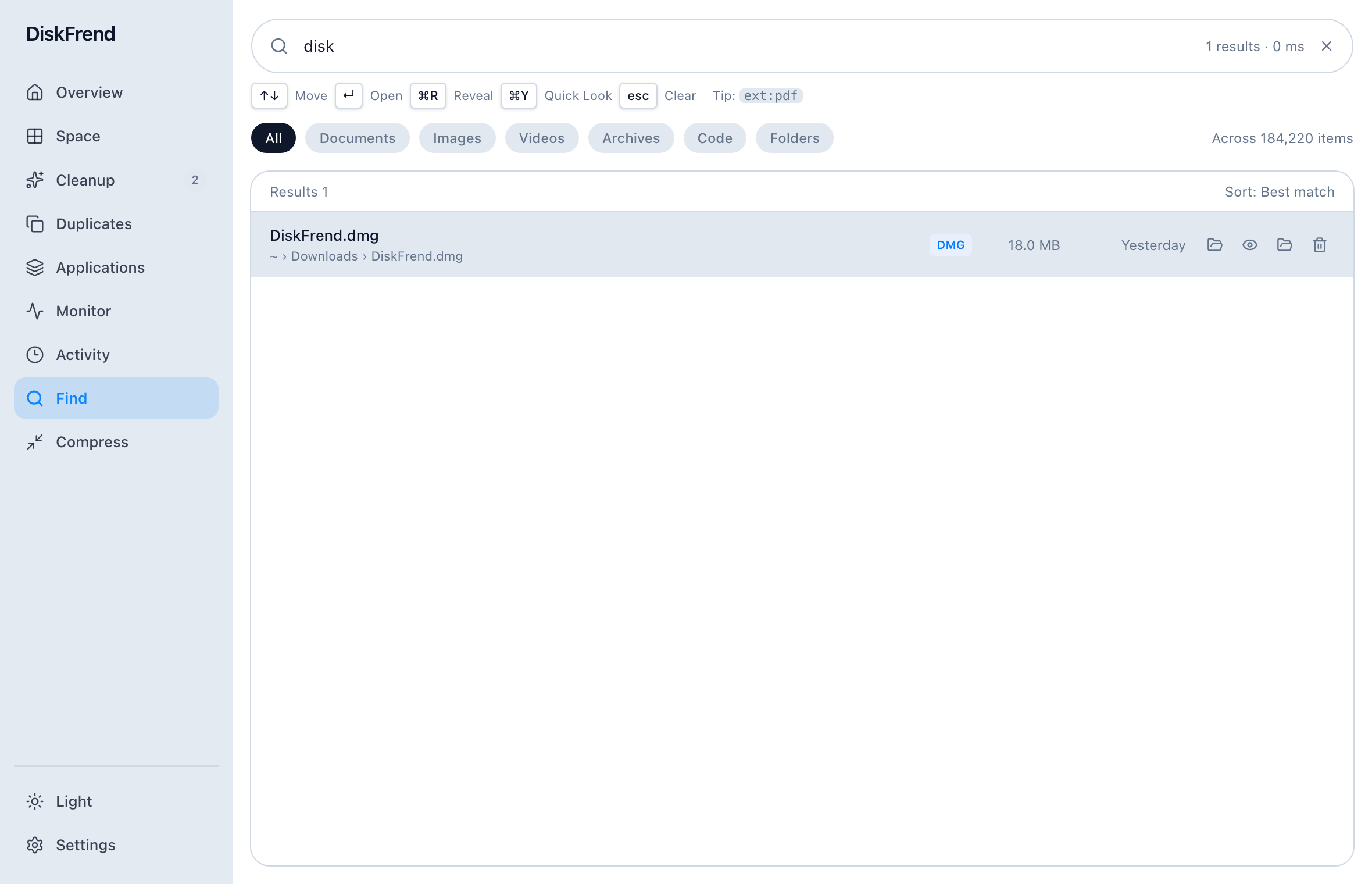
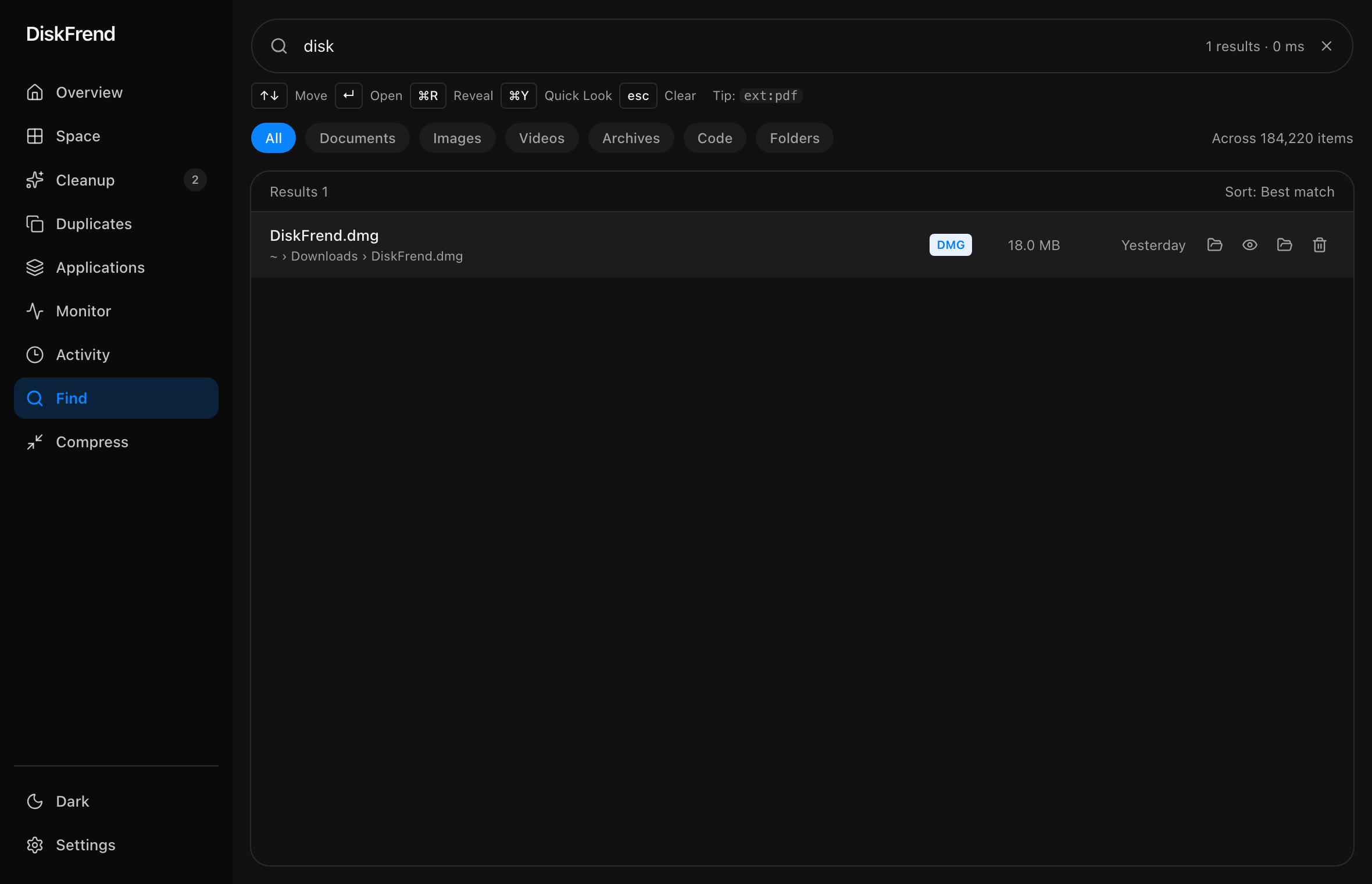
Find
Any file, found as you type — including hidden ones.
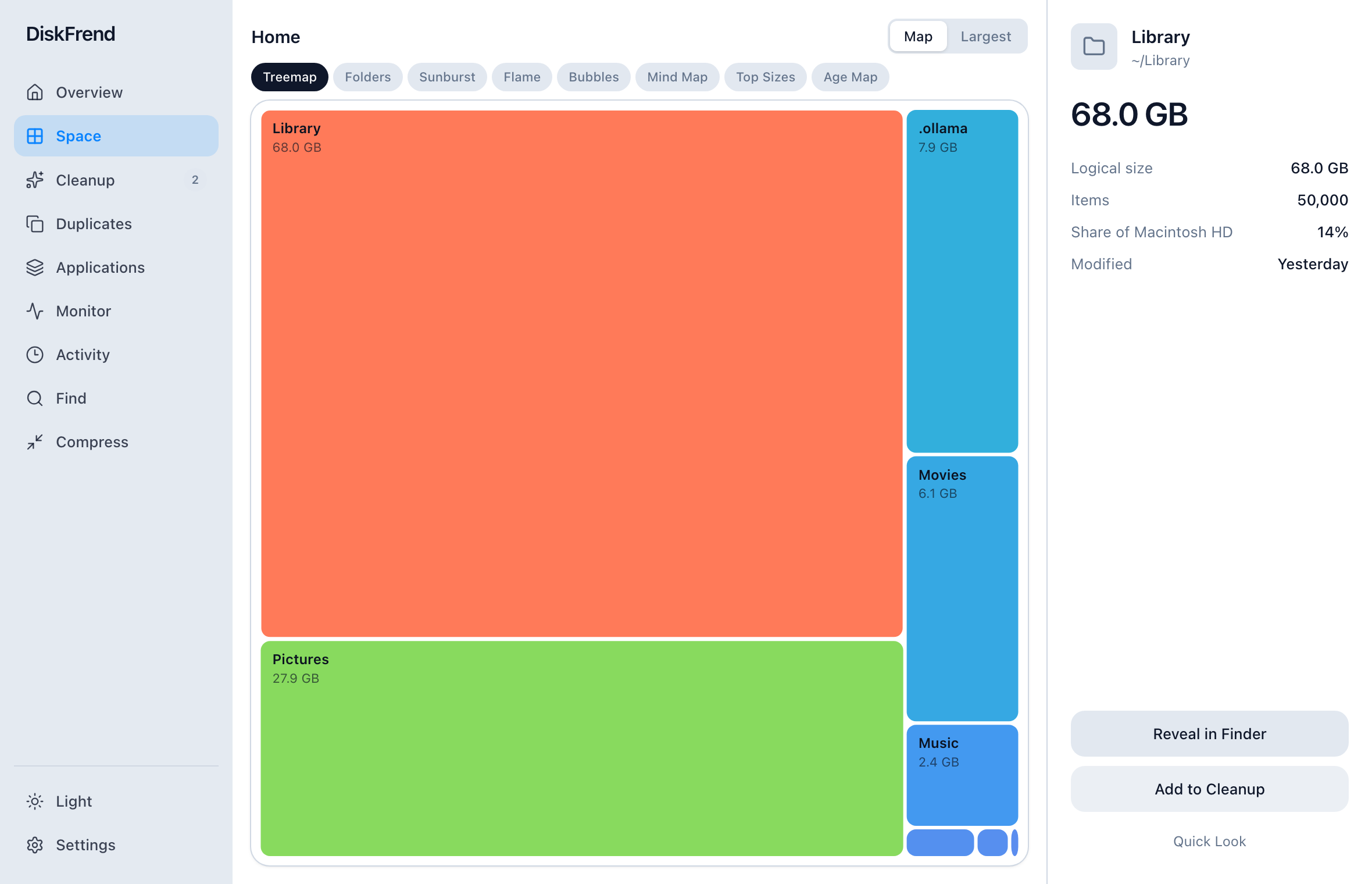
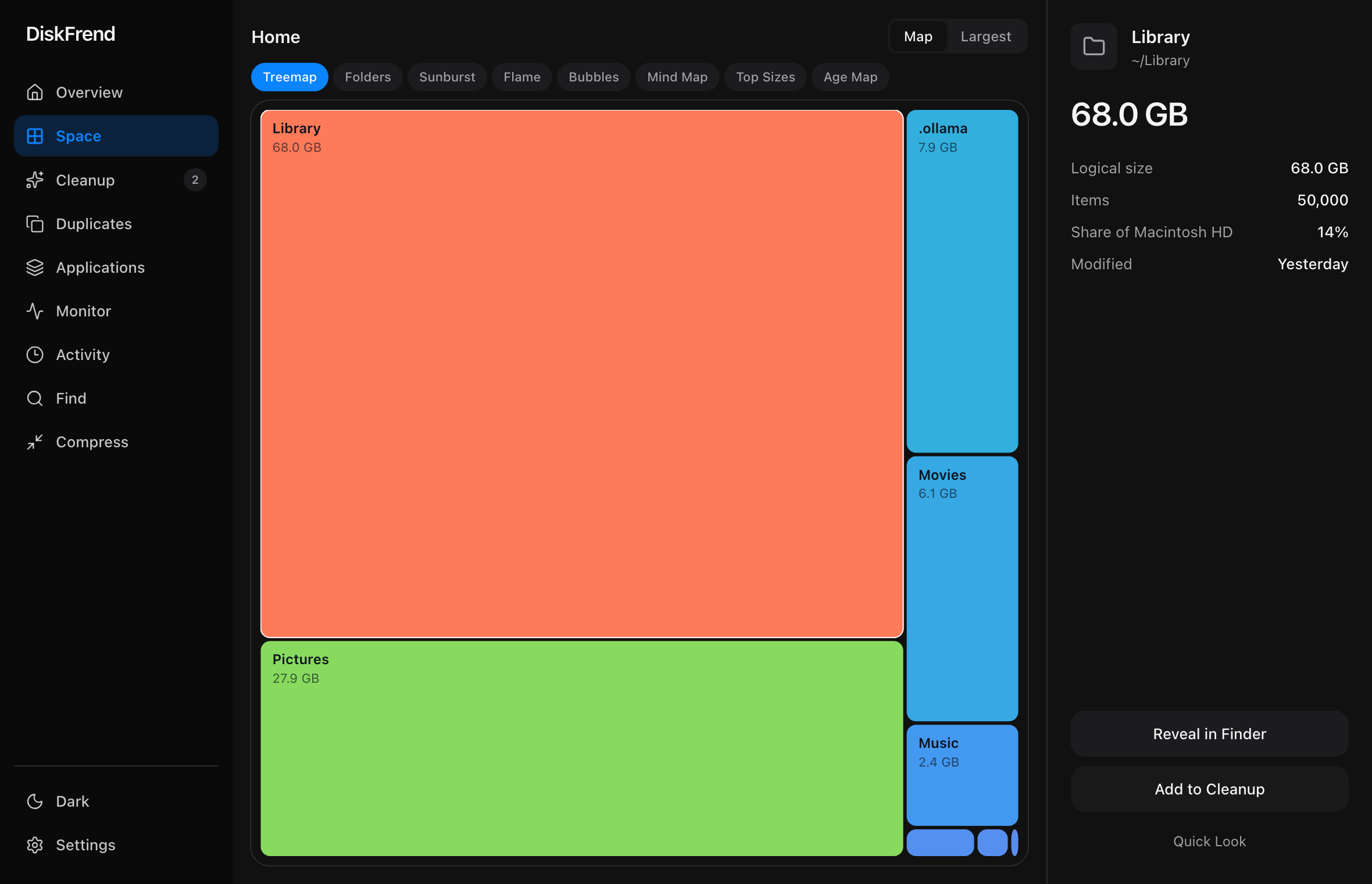
Space
The heavy things come to the top.
Cleanup
Caches, logs and leftovers — staged, then Trash only.
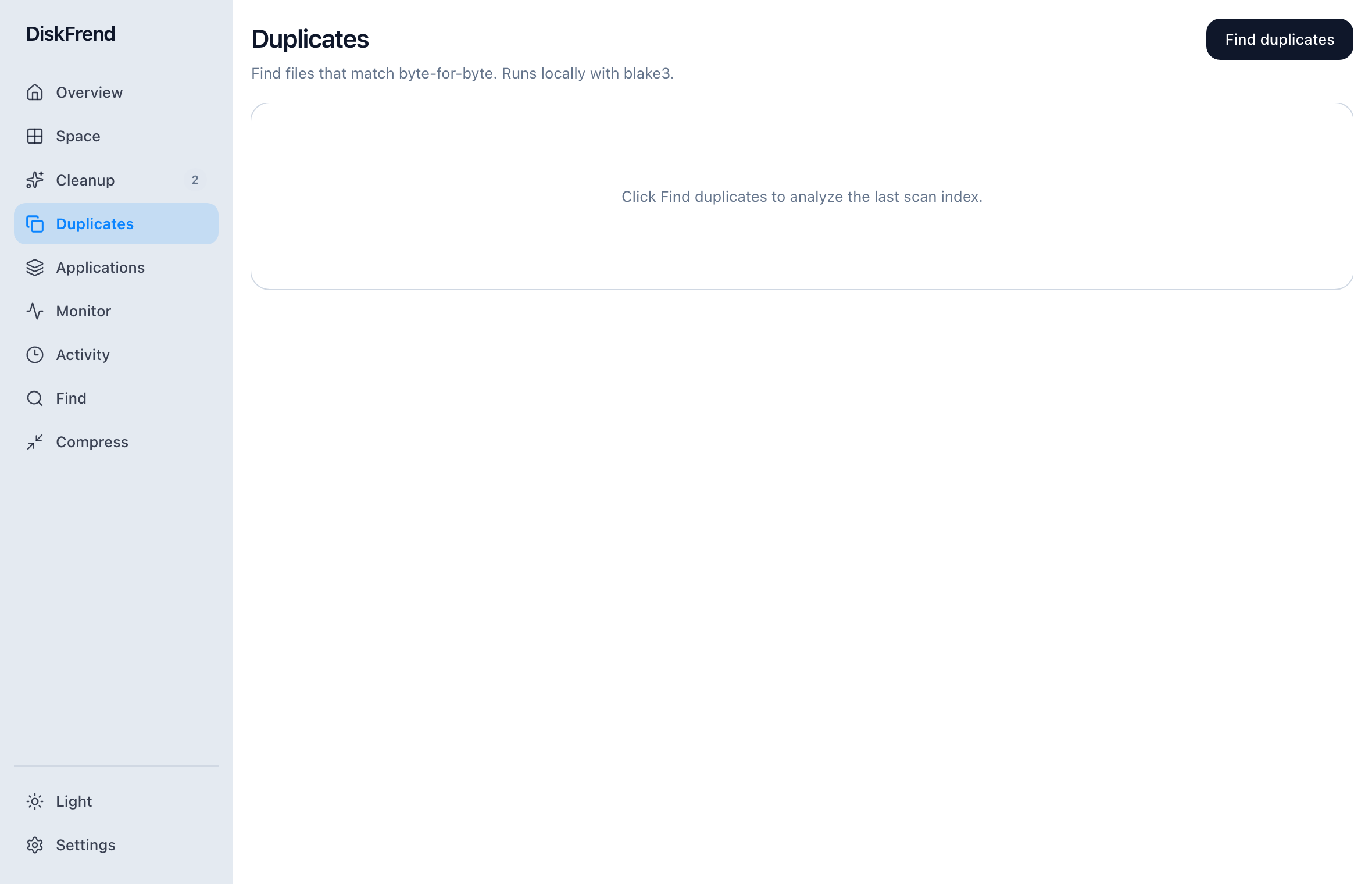
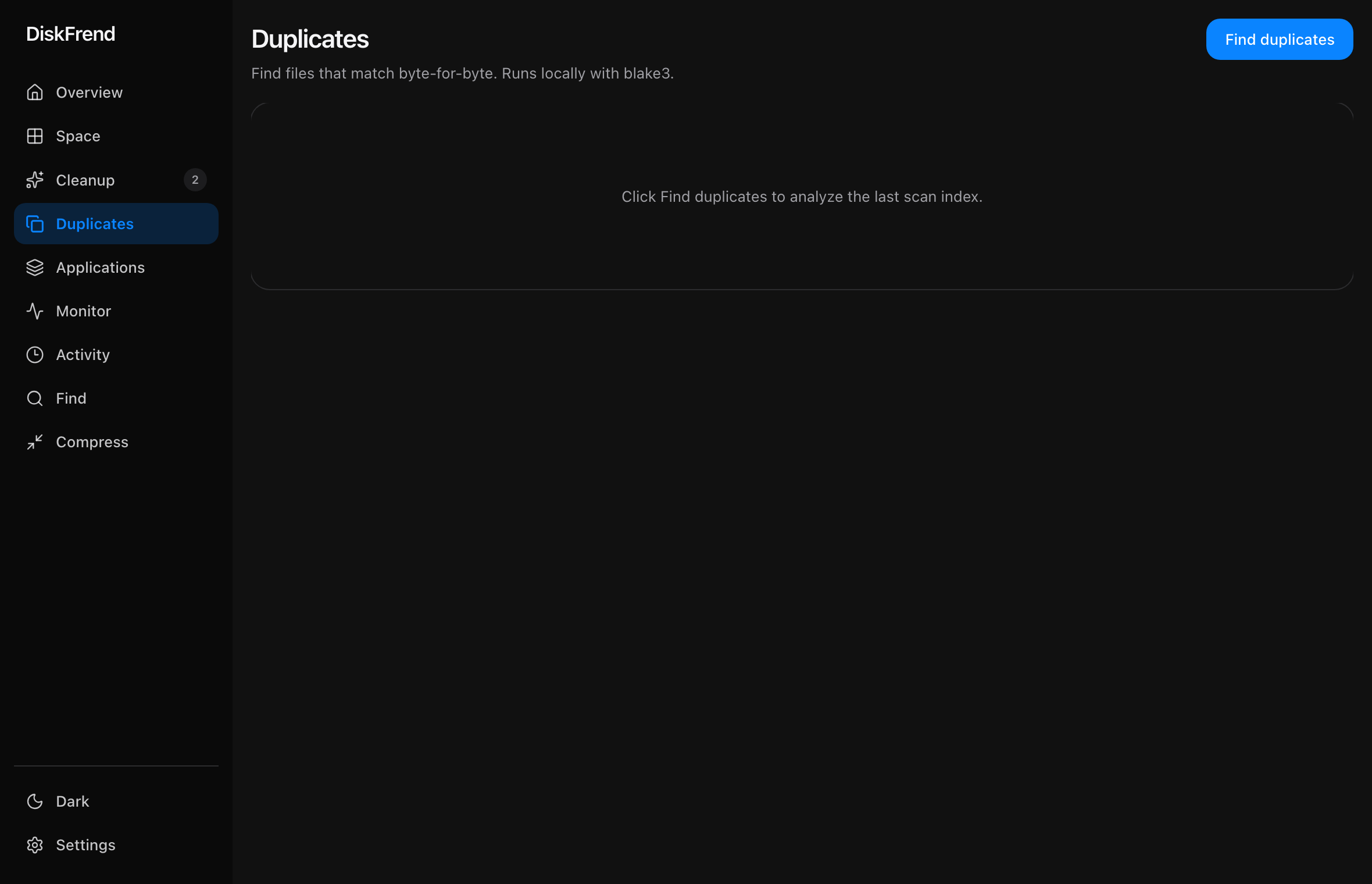
Duplicates
Files that exist twice, matched carefully.
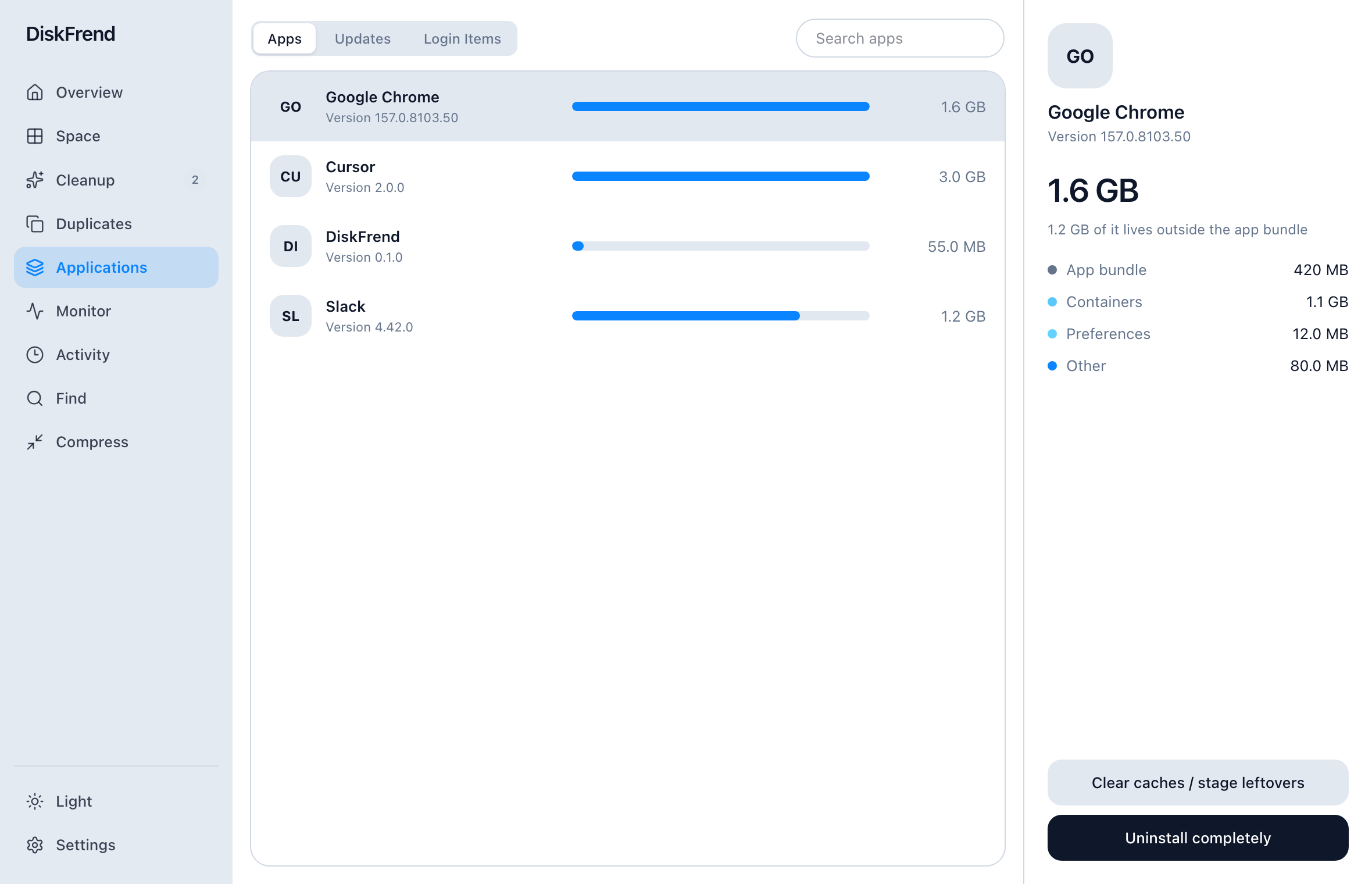
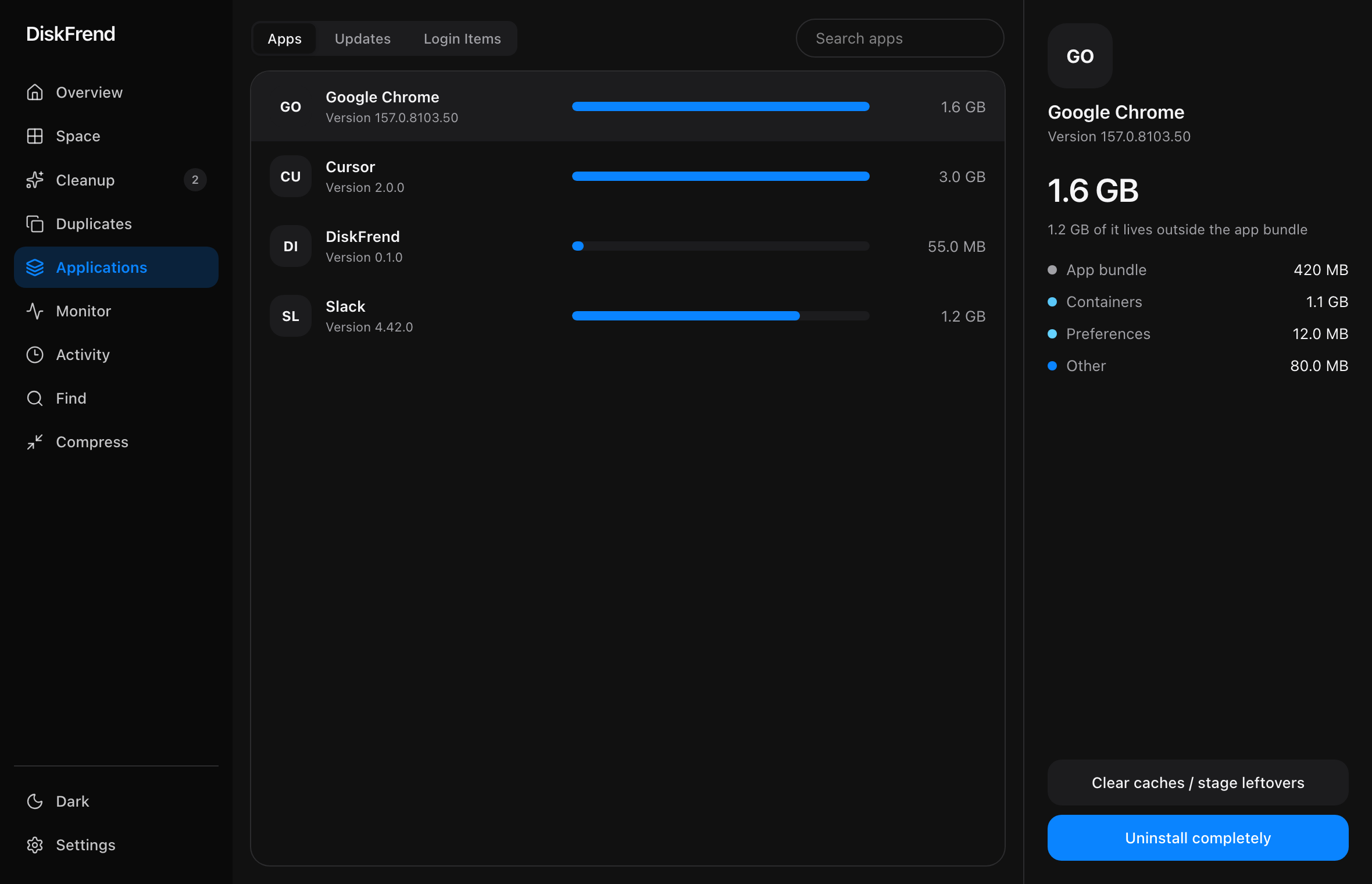
Applications
Every app plus what it left behind.
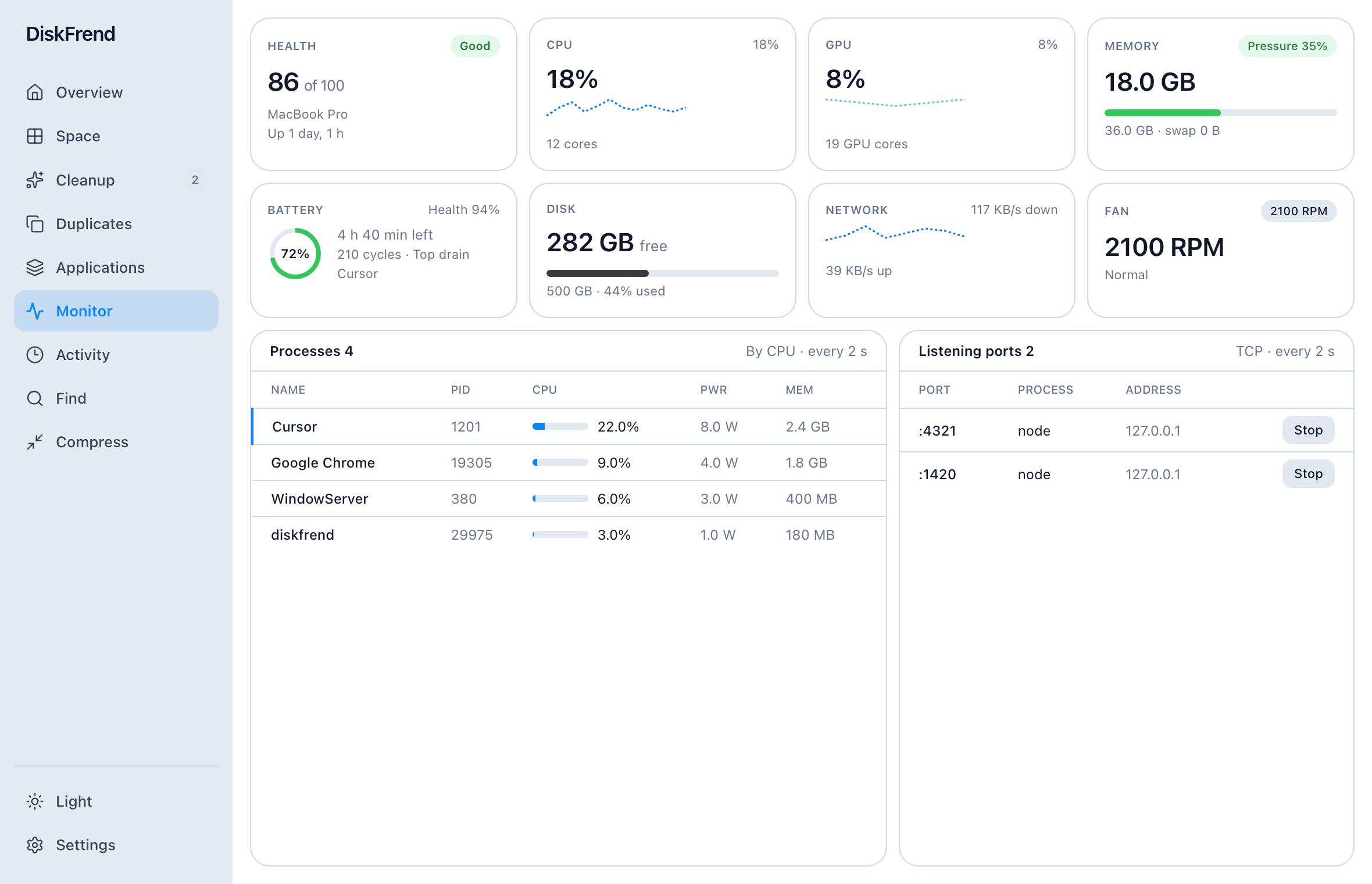
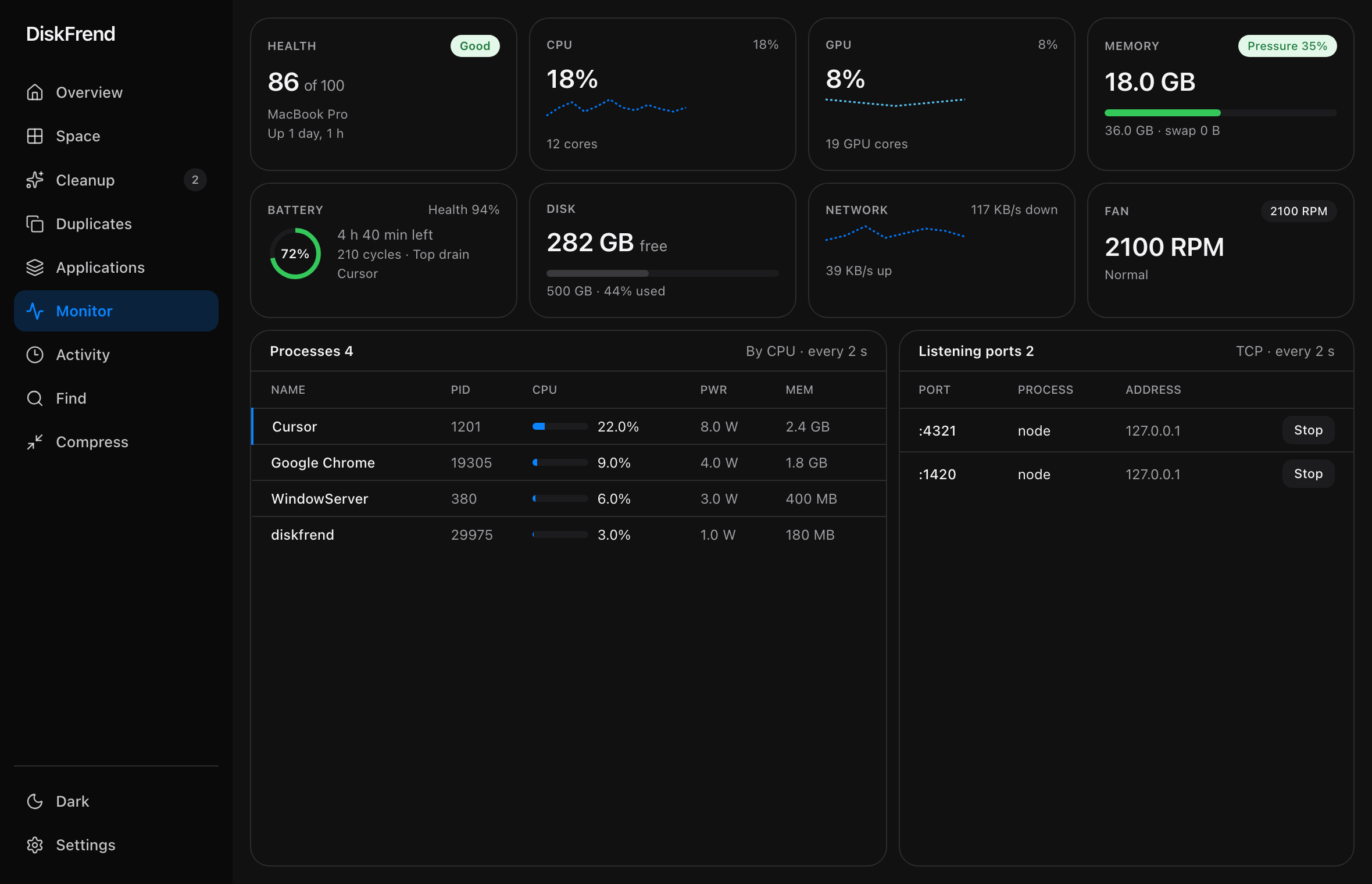
Monitor
CPU, memory, and ports — live.
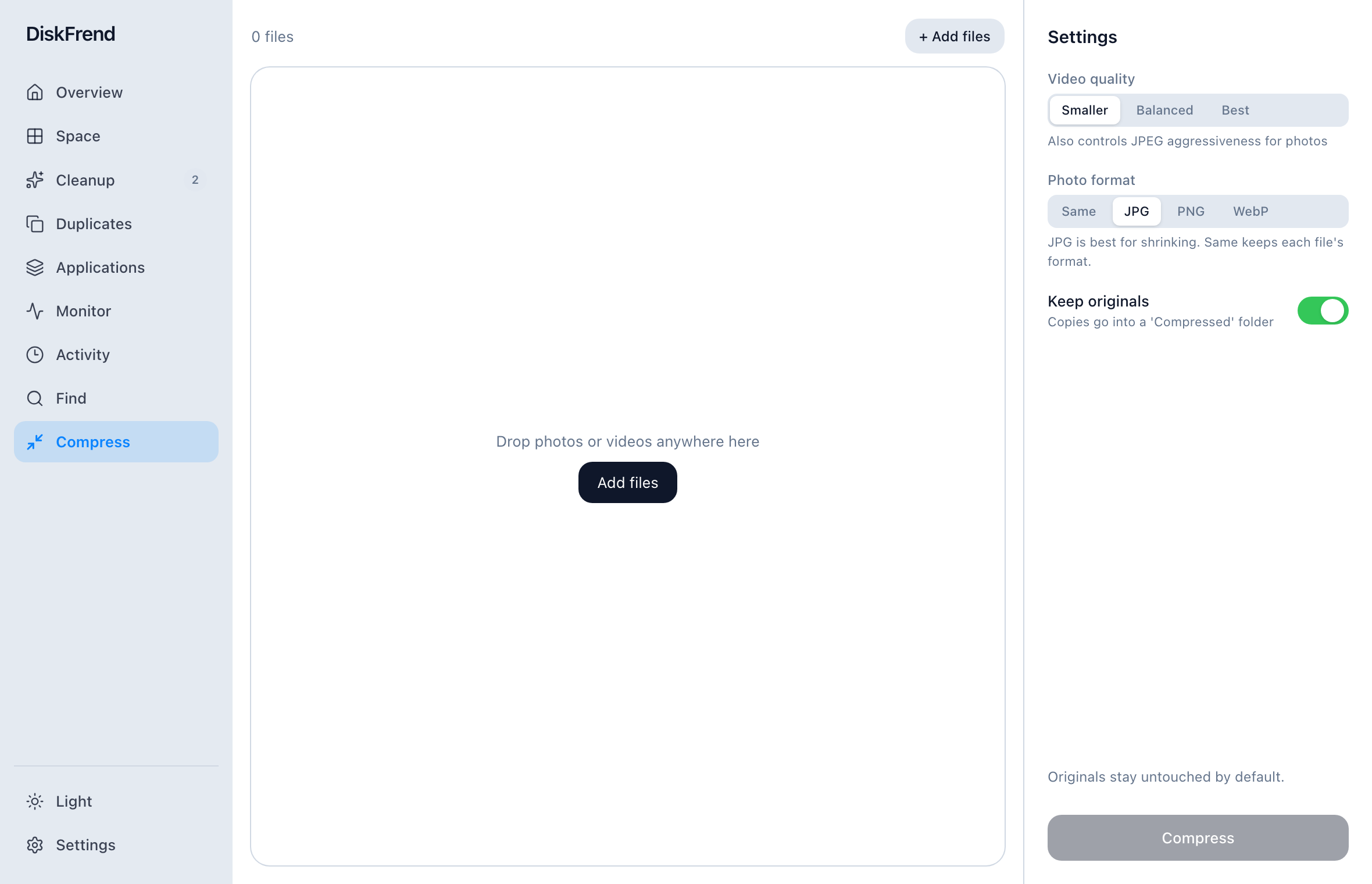
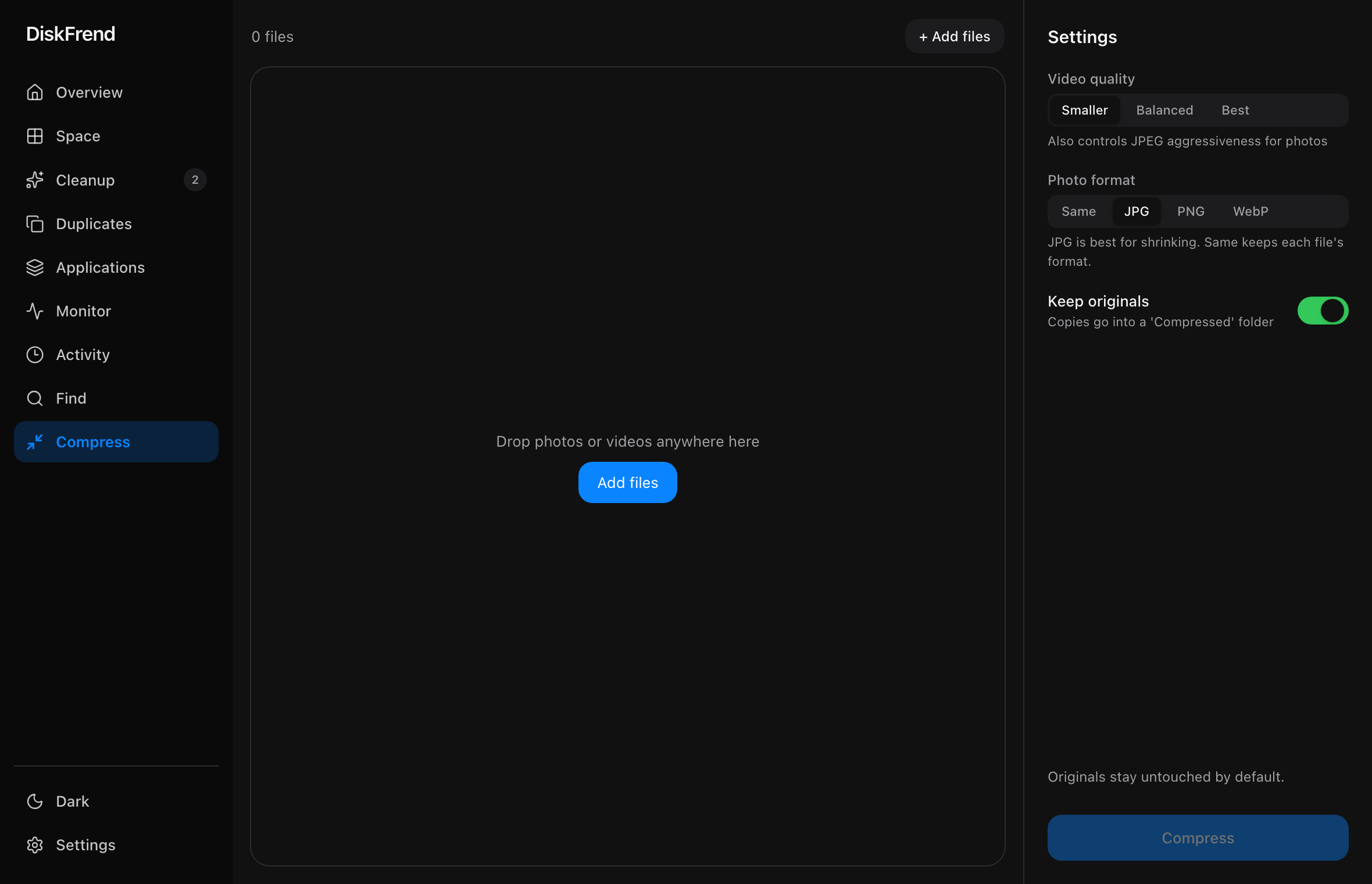
Compress
Shrink media instead of deleting it.
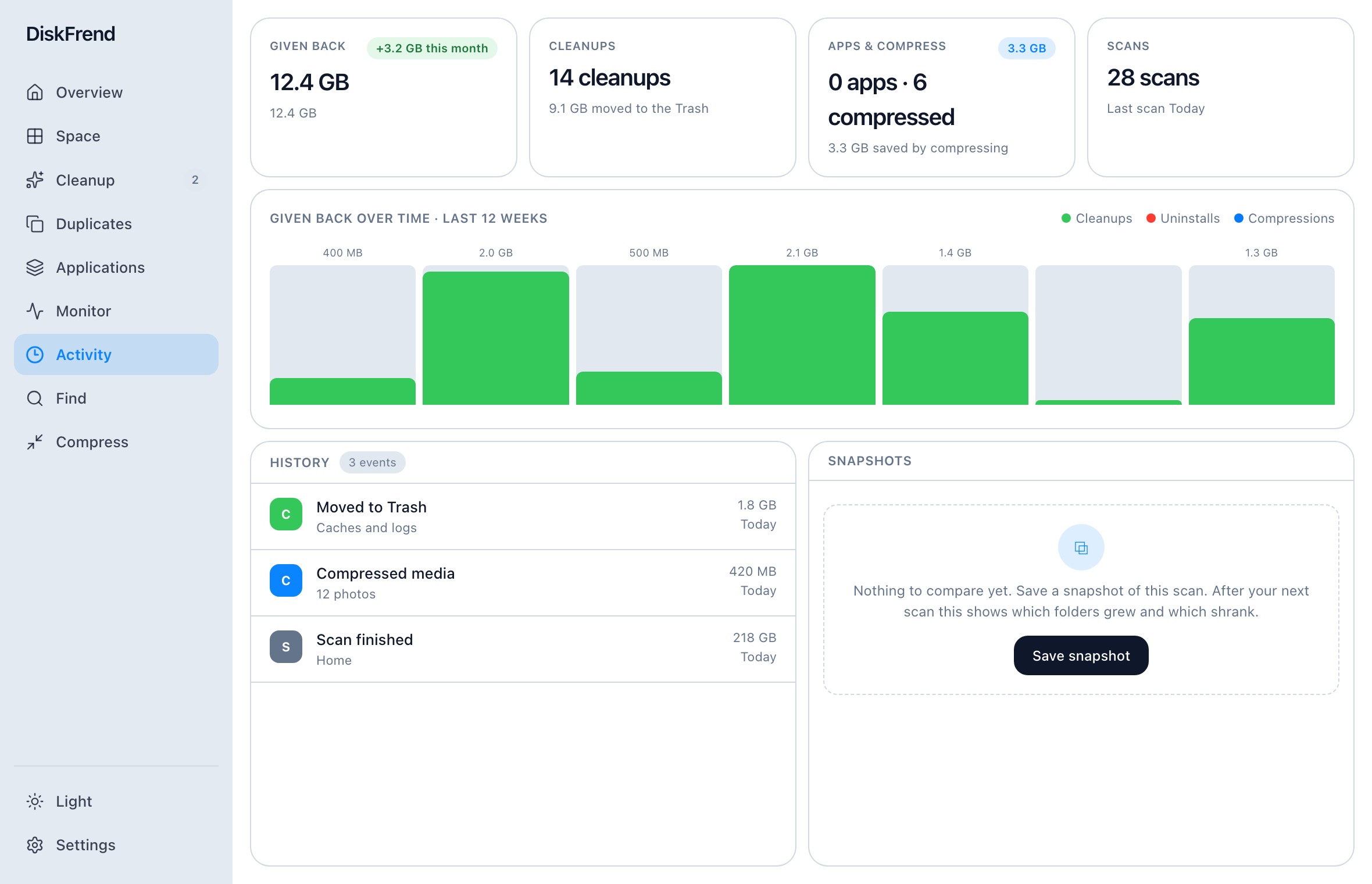
Activity
The space you got back, week by week.